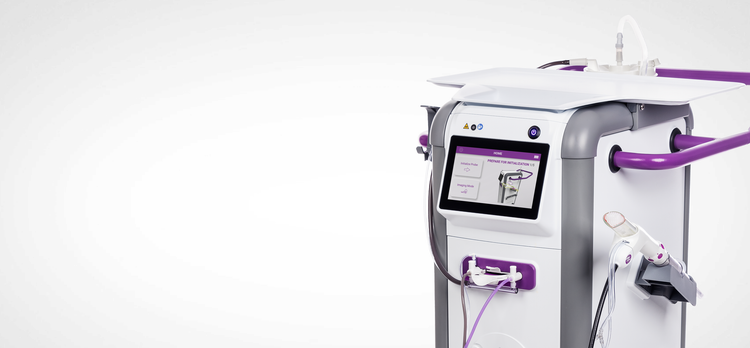
Mammotome Prima™ MR System
Technical Support
Troubleshooting
Possible troubleshooting situations for the Mammotome Prima™ MR system are listed below. Please click to expand any of the items for more details. If your issue is not listed, contact Mammotome Technical Support or your local Mammotome representative.
Battery charge too low message
Replace the battery outside of the MRI room with a fully charged battery.
Low vacuum problem message
Ensure that the probe tube set and vacuum canister connections are secure and then re-initialize the probe.
Footswitch operation disabled message
Footswitch operation is disabled until initialization is complete. No further action required.
Cutter motor problem message
Ensure that the drive cable is not tangled or damaged and then re-initialize the probe or restart the control module.
No tissue samples acquired in the sample tray of the probe
Follow the steps below to resolve the issue:
- Press the vacuum button on the footswitch (single tap or continuous hold). If not successful, then proceed to step 2.
- Remove the probe needle from the patient and press the vacuum button on the footswitch (single tap or continuous hold). If not successful, then proceed to step 3.
- Re-initialize the probe. If not successful, then proceed to step 4.
- If the previous steps fail to correct, then discard the faulty probe, and reinitialize a new probe.
System fails to power off by pressing and releasing the power button
Press and hold the power button down for several seconds until the system powers off.
Difficulty attaching the drive cable to the probe
Rotate the white drive cable housing. If issue remains, obtain a new probe.
All vacuum levels are not available
Acceptable biopsy samples can still be taken at medium and low vacuum settings. The control module will warn if vacuum levels are too low.
Obturator broken or cannot be removed from targeting sleeve
Excessive force may have been used when attempting to remove components or locking z-stop. A new targeting set must be opened to proceed. Dispose of broken or stuck components.
If issues persist after resolution steps are followed or issue is not included on this list, please contact Mammotome Technical Support. For complete product details, see the Instructions for Use.
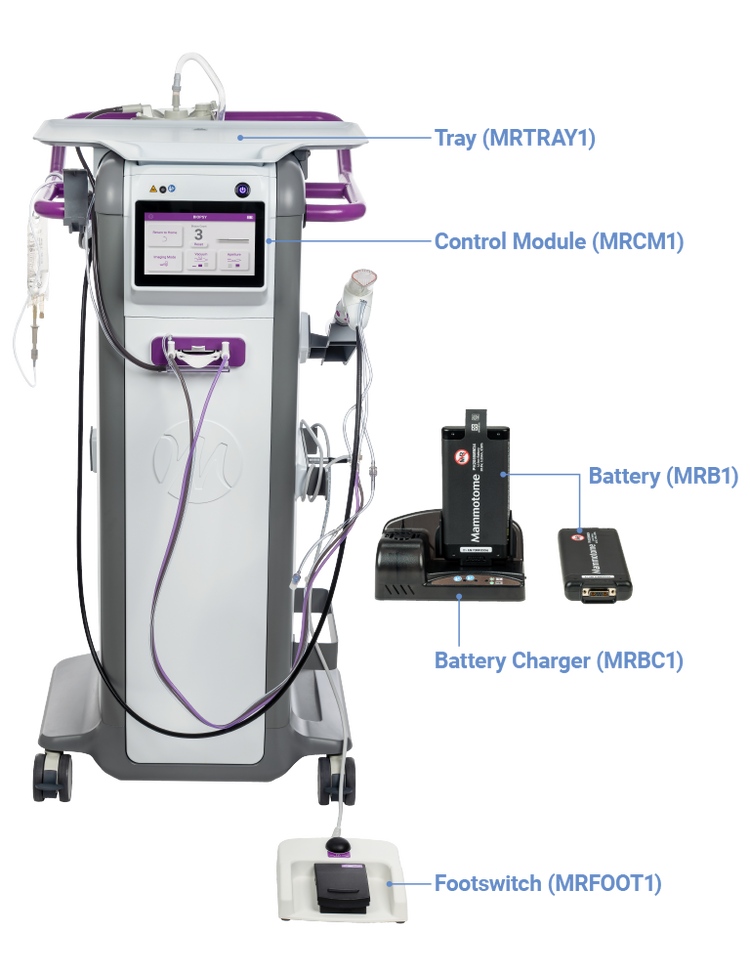
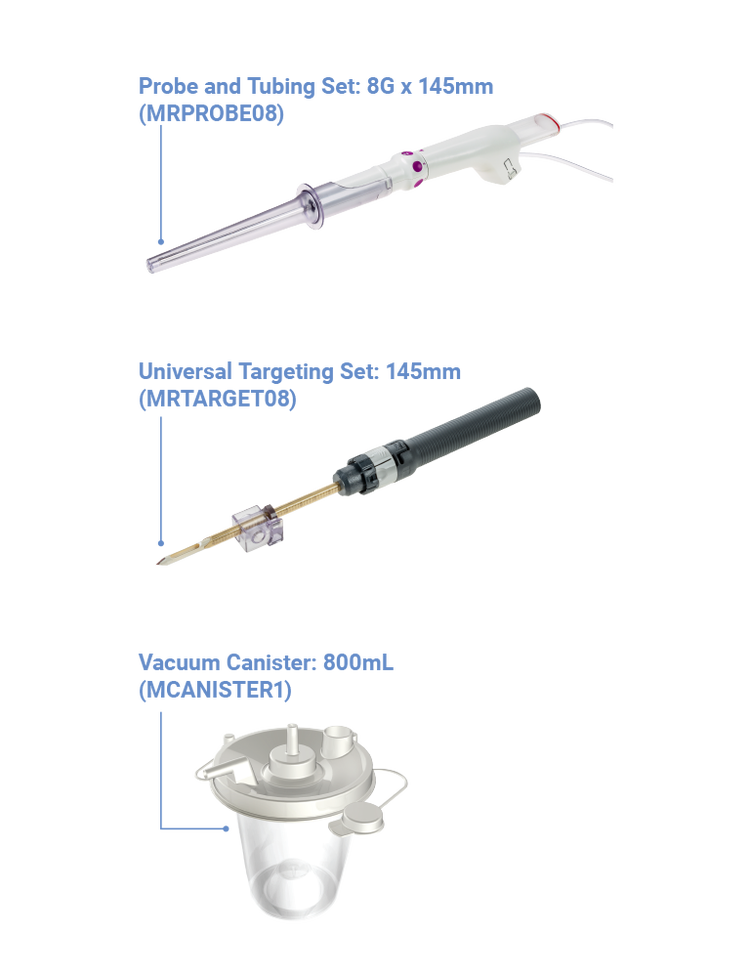
System Component Naming Guide
Additional Resources



Products may not be approved or available in your region. Please check with your local Mammotome representative.